Your Processor Knows What It Charged You. Now You Can Too.
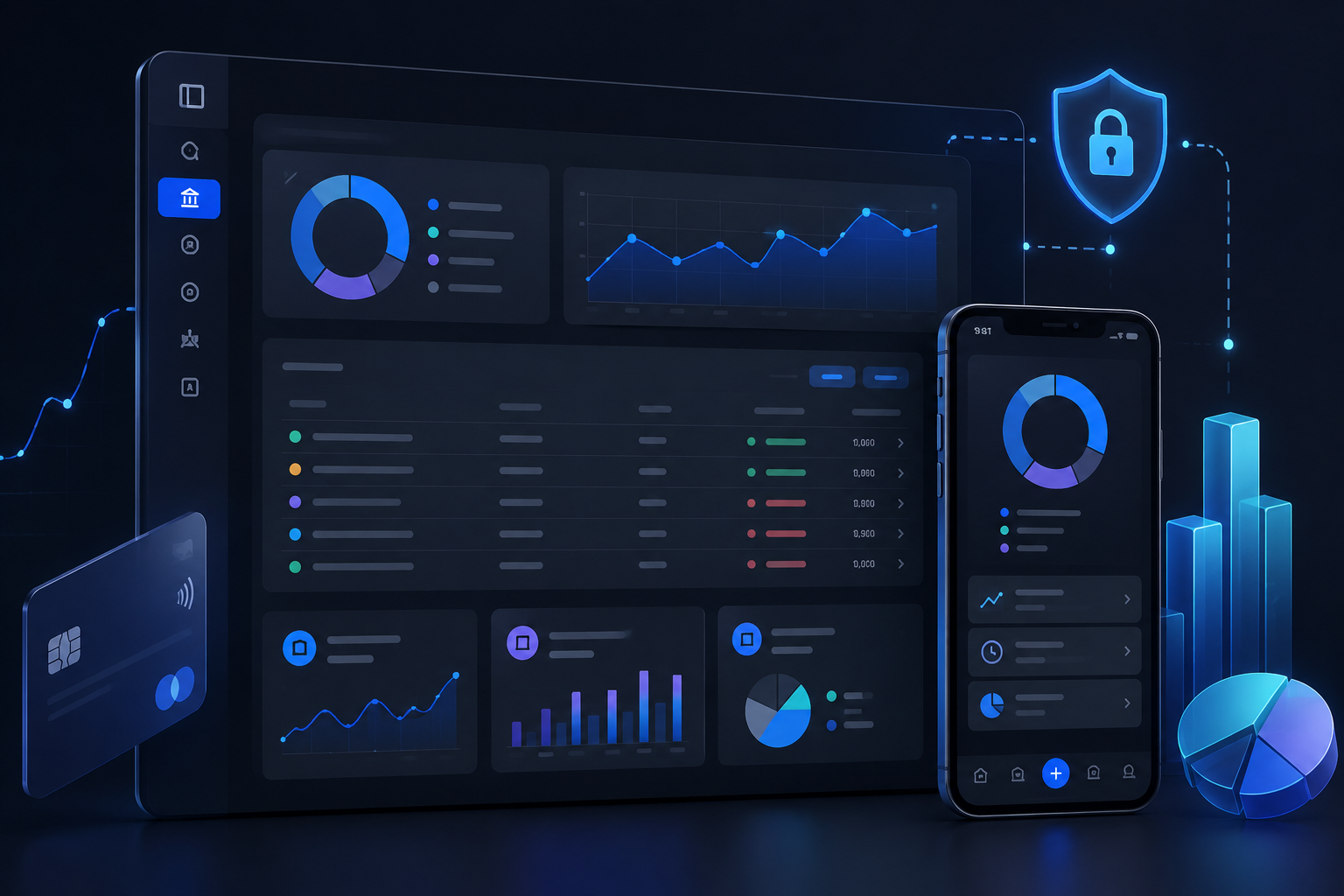
Merchant processing fees are a known cost of accepting card payments. What is less known, for most merchants, is exactly what they were charged on any given batch, deposit, or transaction, until the monthly statement arrives. Roxxy's merchant dashboard closes that gap significantly.
In this article
- The visibility problem in merchant banking
- Batch detail reports
- Deposits broken down before they hit your account
- Performance analytics without the export
- Equipment management without the call
The visibility problem in merchant banking
Most merchants find out their actual processing costs at the end of the month, when the statement arrives from their processor. Between statement dates, the best available information is an estimated figure based on a rate schedule. The actual fees charged on a specific batch or deposit are not visible in real time through most processor portals.
This matters for cash flow. If a business expects a deposit of a certain size and the deposit that arrives is smaller than expected, without transaction-level fee visibility, they cannot quickly understand why. The reconciliation work begins.
Manual batch reconciliation or calling a processor for itemised breakdowns wastes time. Merchants navigate into multiple reports just to check recent batch performance. Roxxy surfaces this information on the main dashboard and inside every batch record.
Batch detail reports
Inside Roxxy's merchant dashboard, every settled batch is viewable with full transaction-level detail. Each batch record shows card type, last four digits, auth code, estimated sales amount, estimated fee, and total charges per transaction. At the batch level, you see total amount, total sales, total refunds, transaction count, and date.
The critical detail here is that estimated fees and deposits are visible at batch level before final settlement confirms. This is information that most processors do not surface until the monthly statement. In Roxxy, it is available inside the batch record as soon as the batch settles.
Card type, last four digits, auth code, estimated sales amount, estimated fee, and total charges. Filter and sort by amount, card type, or keyword within any batch. Batch-level summary including total amount, total sales, total refunds, transaction count, and date.
Deposits broken down before they hit your account
The deposits report in Roxxy shows every deposit with a full fee breakdown before the funds land in your account. Each record shows deposit date, batch reference, detail count, and deposit amount. Drilling into any record shows total amount, total deposit, total fees, detail count, deposit count, and fee cut.
Net deposit is calculated automatically: total batch amount minus fees. The record also shows clearly which business bank account received the deposit, and links back to the originating batch references for cross-referencing.
Fee breakdown within each deposit record gives full transparency into what was deducted before funds hit the account. No waiting for a monthly statement. The work of reconciling what arrived against what you expected to receive happens faster when the information is available immediately.
Performance analytics without the export
Roxxy's merchant performance analytics show four interactive charts on a single dashboard: sales volume by day, transaction count by day, average ticket per day, and refund volume per day. All are interactive with hover states so you can see the exact figure for any specific date.
Most merchants currently access this kind of trend data by exporting to a spreadsheet. Roxxy surfaces it directly on the dashboard. Catching a refund volume spike early, or noticing that average ticket size is trending down, requires no export, no spreadsheet, and no scheduled reporting.
Equipment management without the call
The equipment management panel in Roxxy shows every terminal linked to the merchant account: name, serial number, ownership type, rental start date, and active or deactivated status. For multi-location businesses managing multiple terminals across sites, this replaces a support call to verify what equipment is on file and whether a specific device is active.
Four distinct performance charts, transaction-level fee visibility, and equipment records all in one platform. Richer at-a-glance visibility than most processor portals offer, without needing to leave Roxxy or open a separate report.